
Record the entire meeting
Comprehensive meeting coverage

AI Meetings
From live transcription to follow-up notes, preserve discussions and trace decisions.
From discussion to agreement
Recording, transcription, proofreading, and search throughout the meeting workflow.
Comprehensive meeting coverage

High transcription accuracy

Prepare drafts faster

Easier proofreading

Share information in multiple ways

Bridge language barriers in meetings

Trace decisions back to the discussion

Keep data isolated from the internet
Core AI meeting features
01 / Core features
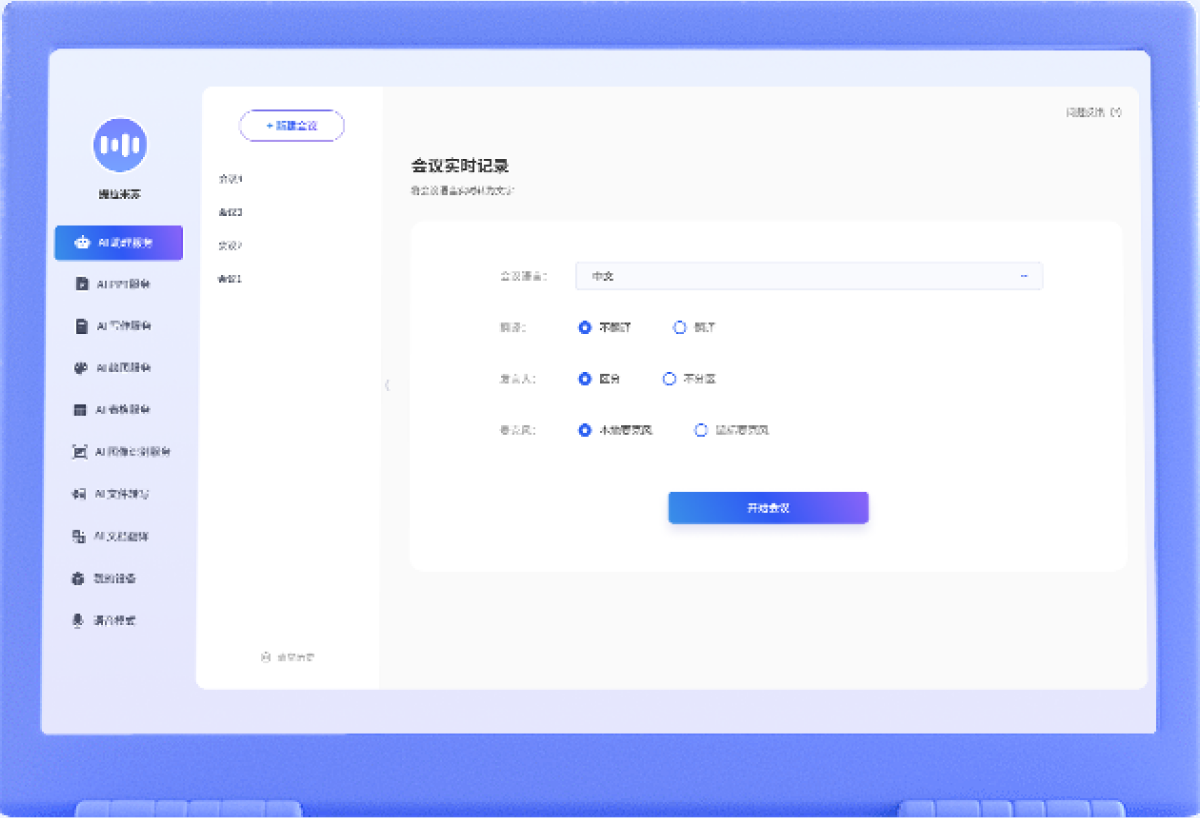
Two live meeting modes: full transcripts and meeting minutes.
Full transcripts suit meetings where all or most of the discussion must remain faithful to the original speech.
Meeting minutes suit fixed templates that capture key points or conclusions.
Use cases

Record discussions so teams can revisit their decisions.

Preserve lesson content for review and organization afterward.
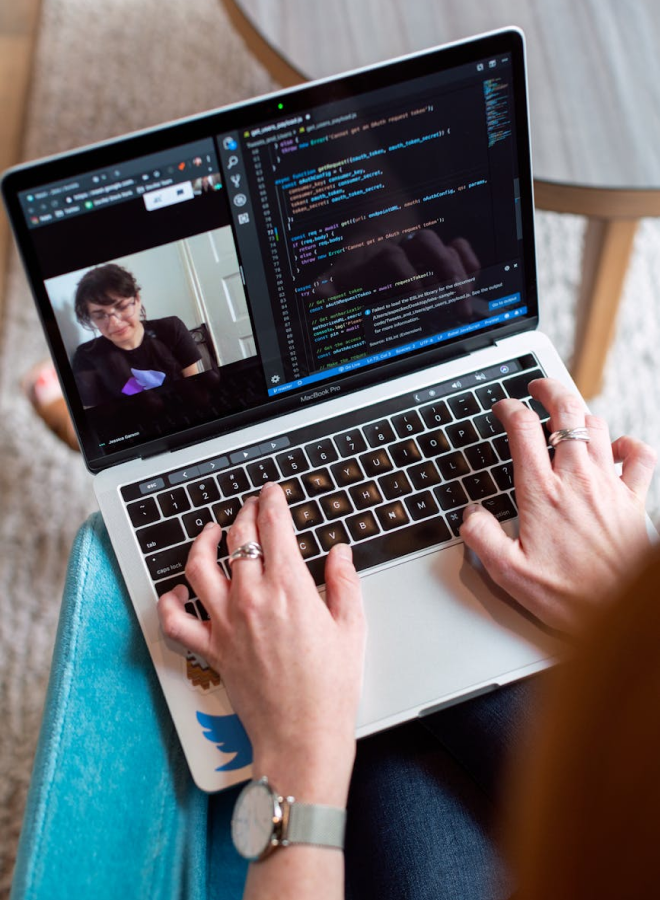
Bring conversations across locations into one record.
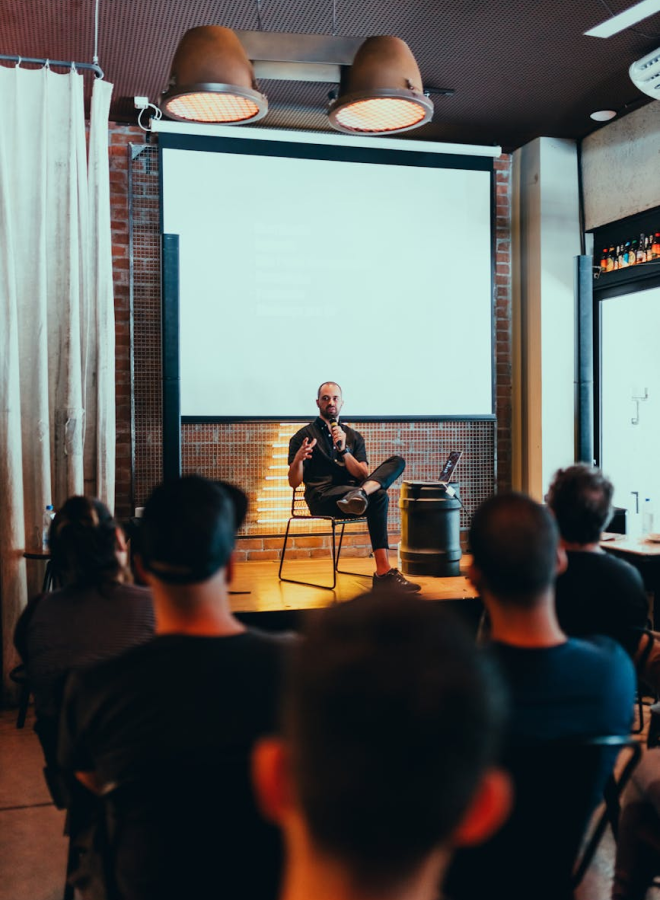
Capture valuable ideas from presentations and discussions.
Discuss a partnership
Product screens, certificates, and book covers remain in their original language. Open an item below for an English explanation.
The setup screen offers meeting records for a full transcript and meeting minutes for template-based key points and conclusions. It also shows meeting information and language settings. The original interface and sample data are Chinese.
View original materialThe editor displays an example discussion of a self-balancing vehicle, its styling, colors, body material, finish, and ergonomic design. A waveform and playback timeline sit below the editable transcript. This is sample meeting content, not a specification for SoniCloud hardware.
View original materialThe large-text view displays a sample Chinese speech about regional scientific research, technology development, marine industries, agriculture, infrastructure, and reform. It illustrates a presentation transcript for audiences and later review. The economic figures are part of the sample speech, not SoniCloud business metrics.
View original materialThe meeting interface includes Start meeting, file controls, participant labels, audio, and a timeline. Clicking a participant name assigns transcript segments to that speaker for later viewing and export.
View original materialThe sample transcript separates Speaker 1 and Speaker 2 during a discussion of the vehicle's lights, brakes, lightweight construction, portability, and durability. It illustrates speaker labeling, with transcript and playback controls; the sample's product claims are not SoniCloud hardware specifications.
View original materialAutomatic paragraphs offers semantic segmentation; pauses combined with word count; pauses combined with keywords; custom keywords; and word count. The illustrated fields include pause duration in seconds, a 100-character threshold, and comma-separated keywords such as First and Next. Semantic segmentation is marked as applying only to Chinese and English. Restore defaults resets the settings.
View original material