Assistants
The right role for the right task.
Combine roles, instructions, knowledge, and tools to select an appropriate assistant for each task.
Roles · Instructions · Knowledge
clawMouse · Task-oriented AI workspace
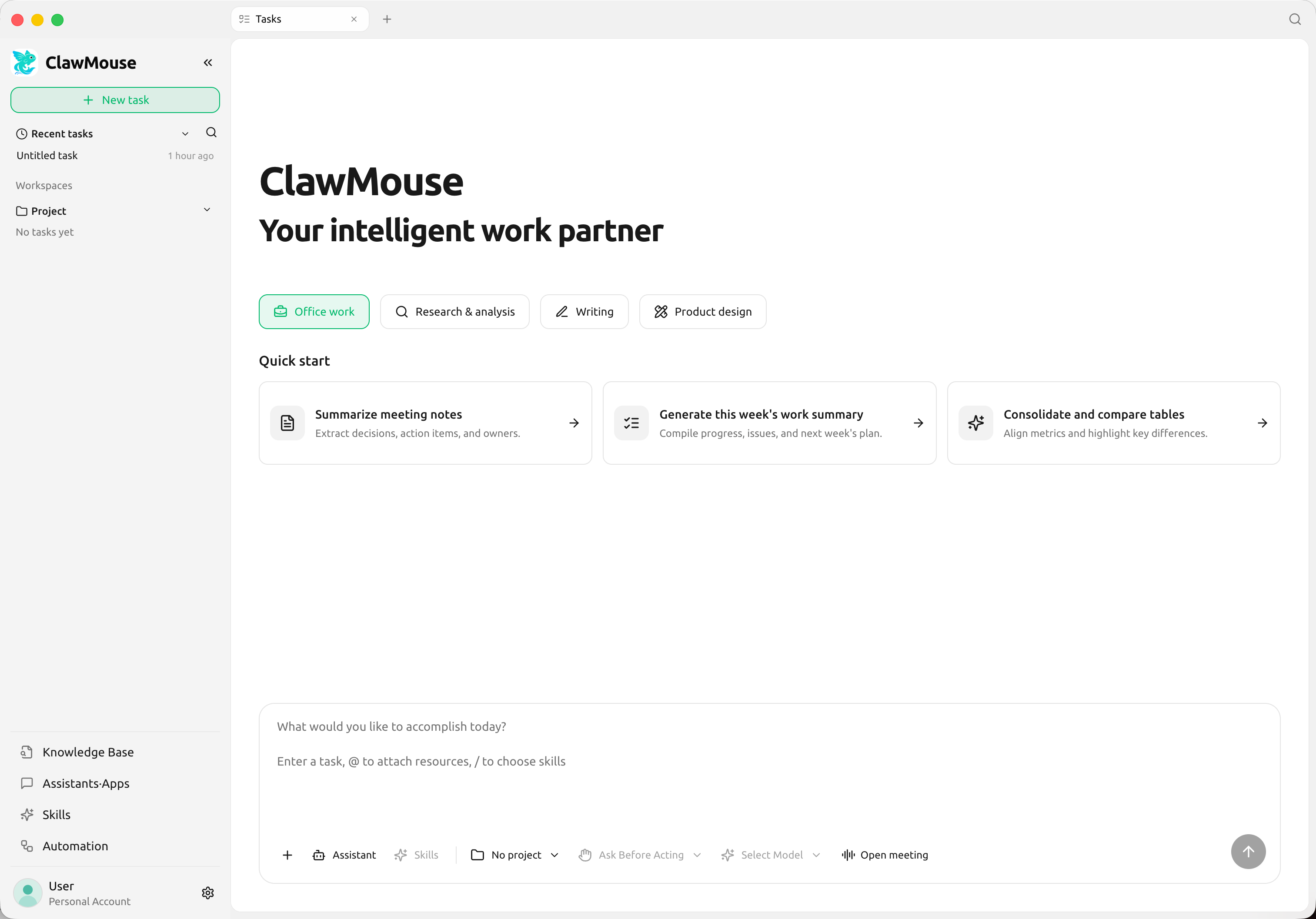
Start a task with a sentence.
From planning to delivery, every step is clear and every key decision stays with you.
From goal to review
Set a goal, confirm the plan, follow execution, and review the results.
One task. One complete workflow.
Use natural language to describe the work, available materials, and expected results.
Goal recorded
Recorded progress. Traceable results.
Review plans and return them for changes
Progress, logs, and deliverables in one place
A shared capability center
Roles, methods, tools, and recurring work, all organized in one workspace.
Assistants
Combine roles, instructions, knowledge, and tools to select an appropriate assistant for each task.
Roles · Instructions · KnowledgeSkills
Install specialized methods for assistants or tasks to give each job a clear approach.
Install · Use · ReuseAutomation
Create separate tasks on a schedule and retain a record of every run and delivery.
Schedule · Run · DeliverPlugins
Connect authorized apps and local tools with visible access scope and status.
Connect · Authorize · AccessReference knowledge bases through task and assistant settings. Templates help you get started and reuse successful approaches.
Built for real work
Coordinate calendars, prepare meetings, organize minutes, assign tasks, and archive materials.
Bring together multiple sources, compare evidence, and organize the research into a structured report.
Move from topic selection and source organization through drafting, feedback, and delivery.
Organize interviews and requirements into PRDs, release plans, and trackable deliverables.
Use cases recommend templates only. They do not silently change models, permissions, workspaces, or reviewers.
Desktop and Feishu
The same task ID and status, with connected authorization records and deliverable versions.
Configure assistants, skills, and tools, view execution records, and review each deliverable.
Start tasks, confirm plans, authorize sensitive actions, track progress, and review results.
Please turn today's interview into a summary and action items.
The interview summary, action list, and email draft are saved in the same task.
Sending email still requires separate authorizationPersonal tasks are private by default.Enterprise administrators do not automatically gain access to task content.
Team collaboration follows team rules.Enterprise workspaces apply team policies, role permissions, and designated review rules.
Security and control
Risk is assessed using task permissions, execution identity, and the specific target.
Sensitive actions require individual authorization, and final results require human review.
Within the defined task scope
Reversible and traceable
Authorization before each execution
Blocked with a clear explanation
clawMouse
Turn ideas into action and review the results.
Downloads and system requirements will be available after release.
The client cannot execute AI tasks without paired, valid clawMouse hardware.