Fits your hand.
Fits your workflow.
A curved shape that follows your palm,
designed for long work sessions.
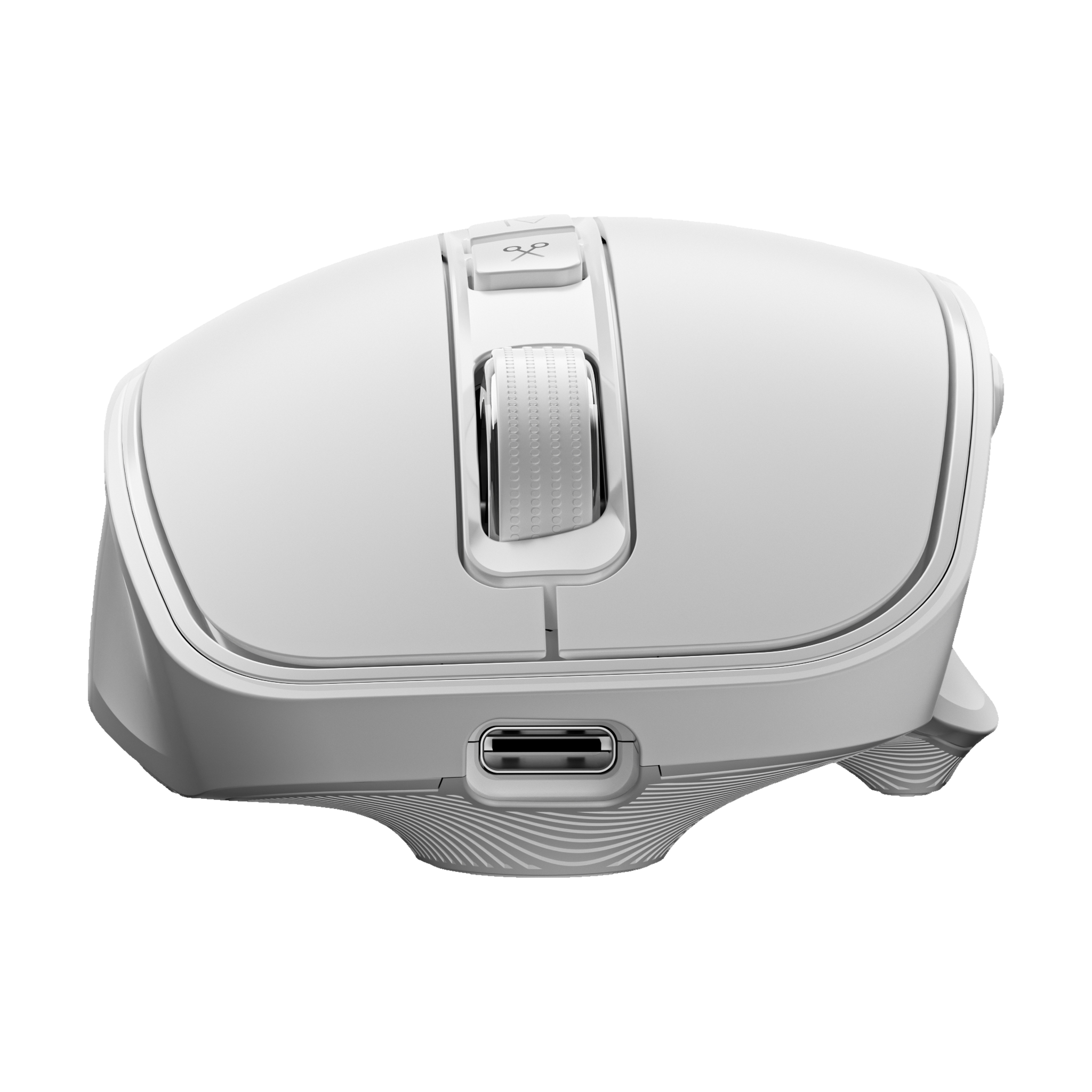

clawMouse AI Mouse
Start a task with one button. Stay in control.
Your smart work companion, right at hand.
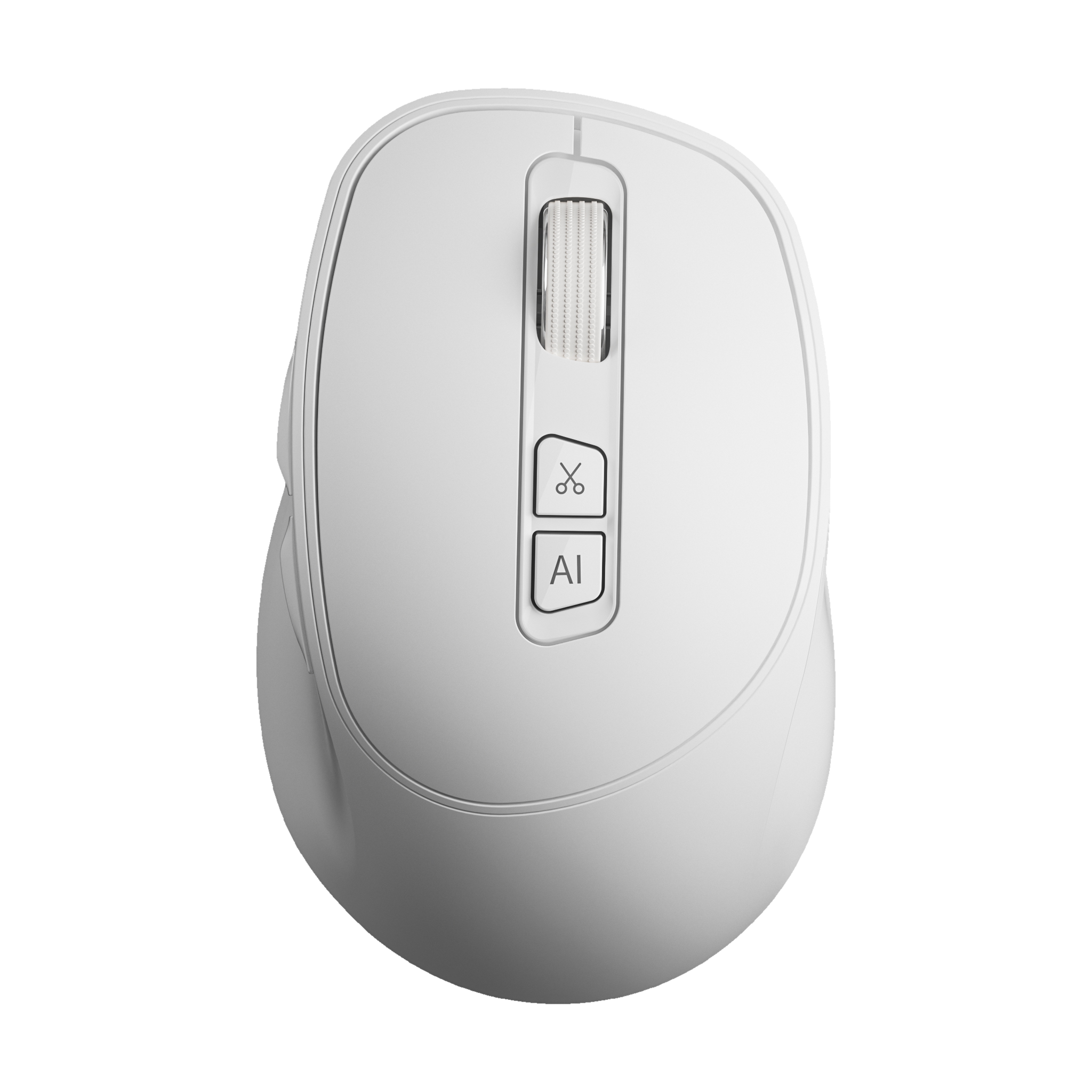
Ergonomic designDedicated AI shortcut Tri-mode connectivity
Start with a click
and turn ideas into action.
A curved shape that follows your palm,
designed for long work sessions.
Hold the AI key to turn your words
into a clear task.
From granting access to reviewing deliverables,
every key step is visible.
Rotate to explore the details.
Explore two finishes and different views.
A curved shape supports your palm through everyday tasks.
Click for common actions or hold to begin a voice command.
2.4GHz, Bluetooth, and USB-C for fixed and mobile workspaces.
Five steps showing how the mouse and workspace work together.
Hold the mouse's AI shortcut key to enter voice task mode in clawMouse.
The mouse starts tasks. The workspace carries them through.
From understanding the goal and confirming the plan to execution and delivery.
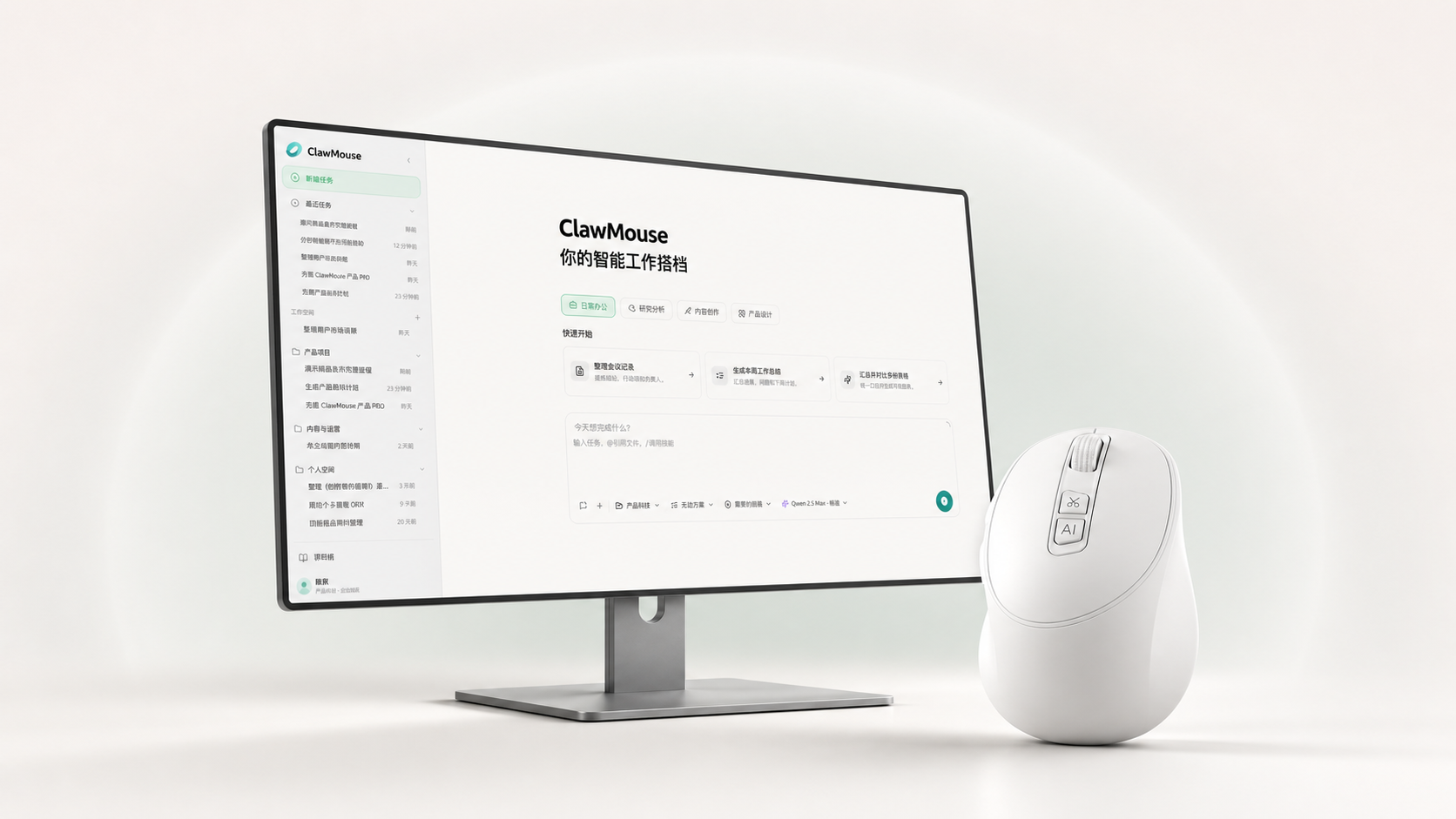
One button, right at hand.Add voice input and materials while you work, with fewer window switches.
Keep going on your desktop.See planning, execution, waiting states, and deliverables in one place.
clawMouse AI Mouse
Specifications and package contents
Connectivity
Four sensitivity settings
Typical battery life
Approximate weight, easy to handle
Explore client features and release status.
From device design to AI workflows,
build an interface that fits your team.
Colors, branding, button layout, and packaging.
HID, BLE, shortcut mapping, and device management.
Voice commands, task templates, organizational knowledge, and permission checkpoints.
Support for Windows, macOS, and specified industry environments.
Record meetings and organize summaries, decisions, and action items.
Search internal knowledge by voice and draft replies for review.
Connect voice input, translation, and your team's terminology.
Deliverables: product definition, appearance and mechanical design, firmware and client configuration, test records, and user documentation.
Product screens, certificates, and book covers remain in their original language. Open an item below for an English explanation.
Hardware photos retain actual product markings and Chinese screens. Keyboard shortcuts include Screenshot, Read aloud, Mind map, Audio files, Transcribe, Documents, Translate, Download, Web address, Spreadsheets, Text recognition, AI writing, Voice translation, Voice input, Dubbing, Video, Meetings, and Mode. Recorder screens label Text, AI recording, and Audio. The handheld assistant screen shows the time, Hefei weather, Hold to speak, and a settings menu with Network, Language, Font size, Advanced options, Check for updates, and System information. The translation device shows Chinese (Mandarin, mainland China) and English (General) with a sample greeting, Hello. These are original device interfaces, not mockups of an English product edition.
View original material