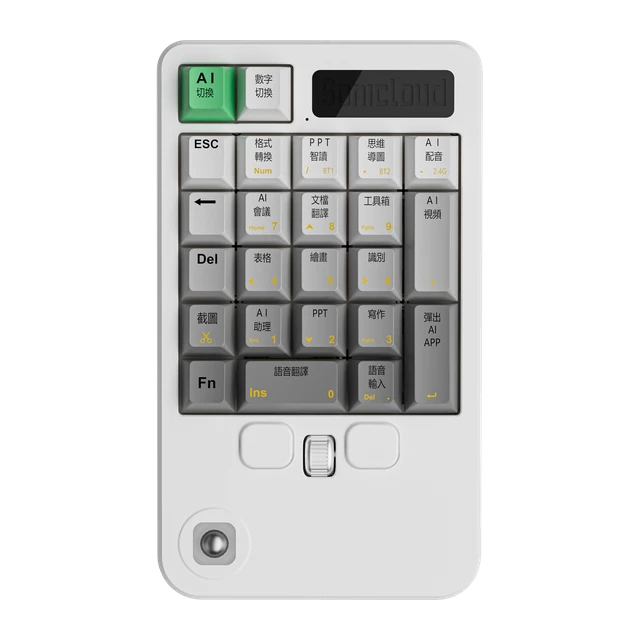
Product design
Good design starts with appearance.
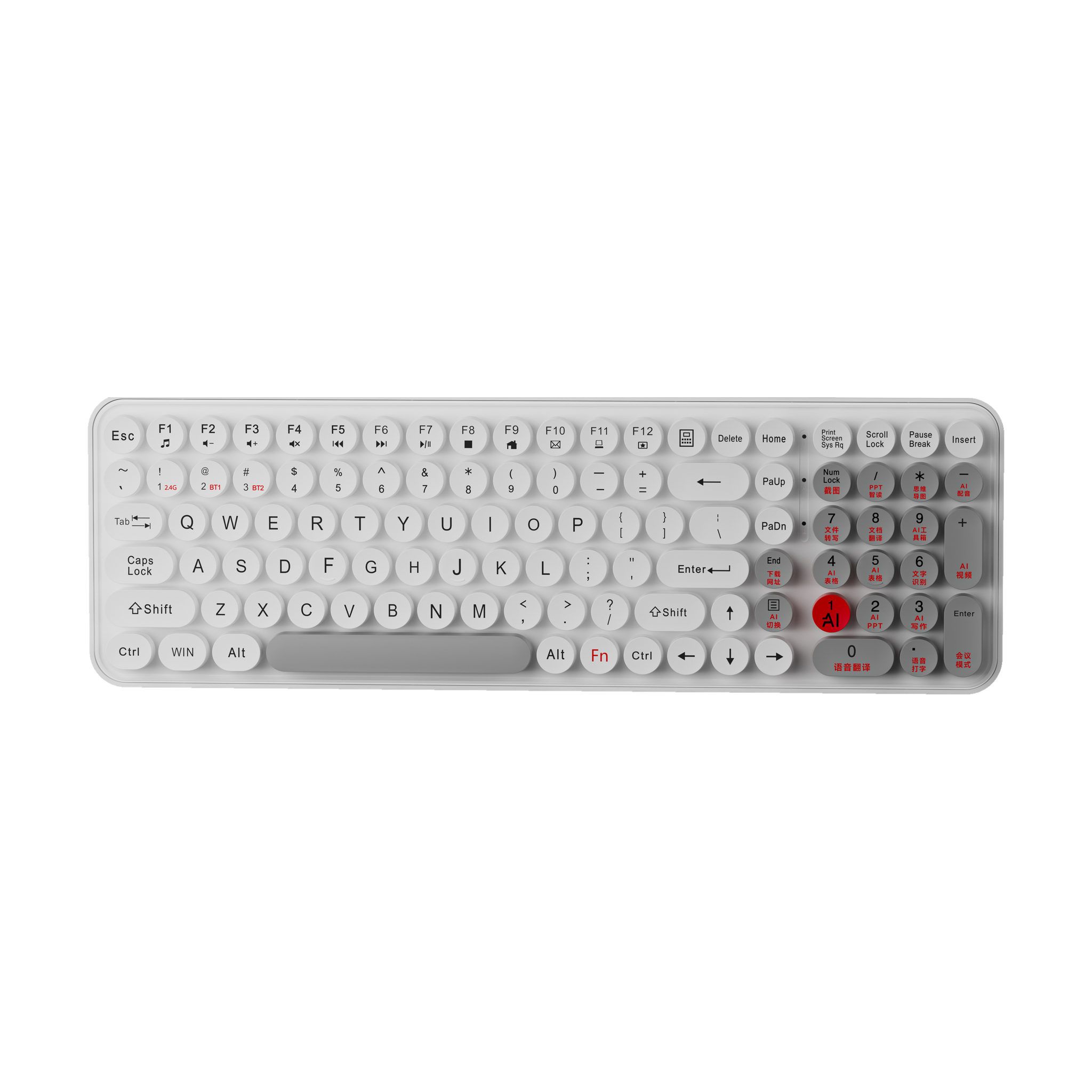

Select a device type above, then explore the matching product lineup.
Dots below each product show available colors. Open the details to see each finish.
Open product details and enlarge images for a closer look.
Product design
A closer look
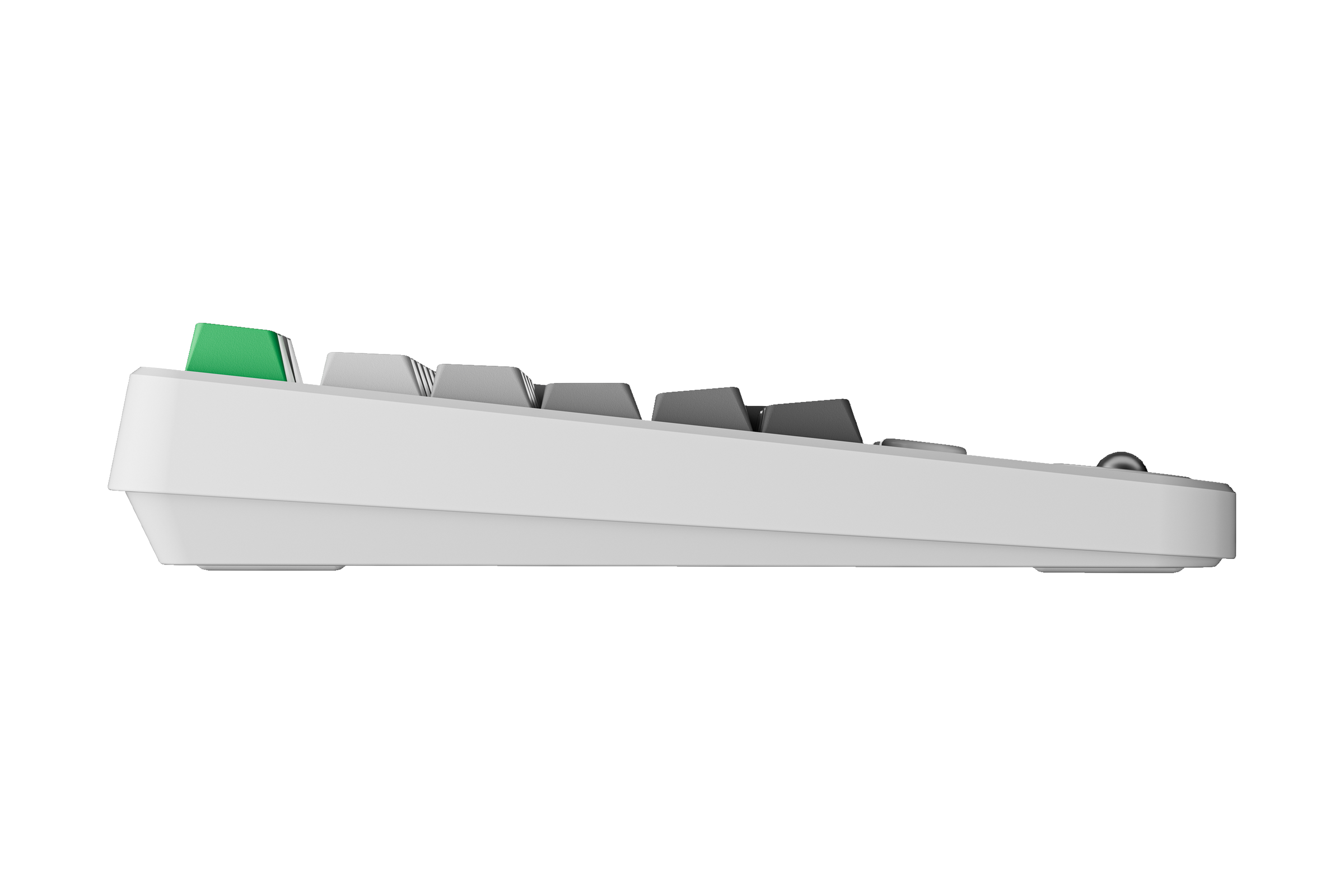
A range of forms
Looking for product or partnership advice?
Tell us what you need and explore a suitable solution together.
Start with your main use case, such as work, learning, or mobile use. Then consider device form, portability, and operating preferences. Note the features you need and confirm suitability with an advisor.
Have your computer or phone model, operating system version, ports, and software environment ready. Connectivity and compatibility vary by product, so confirm the specific model before choosing.
Note the product name or model and visit the partnership application page to discuss specifications and options.
Apply for a partnership
Product screens, certificates, and book covers remain in their original language. Open an item below for an English explanation.
Hardware photos retain actual product markings and Chinese screens. Keyboard shortcuts include Screenshot, Read aloud, Mind map, Audio files, Transcribe, Documents, Translate, Download, Web address, Spreadsheets, Text recognition, AI writing, Voice translation, Voice input, Dubbing, Video, Meetings, and Mode. Recorder screens label Text, AI recording, and Audio. The handheld assistant screen shows the time, Hefei weather, Hold to speak, and a settings menu with Network, Language, Font size, Advanced options, Check for updates, and System information. The translation device shows Chinese (Mandarin, mainland China) and English (General) with a sample greeting, Hello. These are original device interfaces, not mockups of an English product edition.
View original material