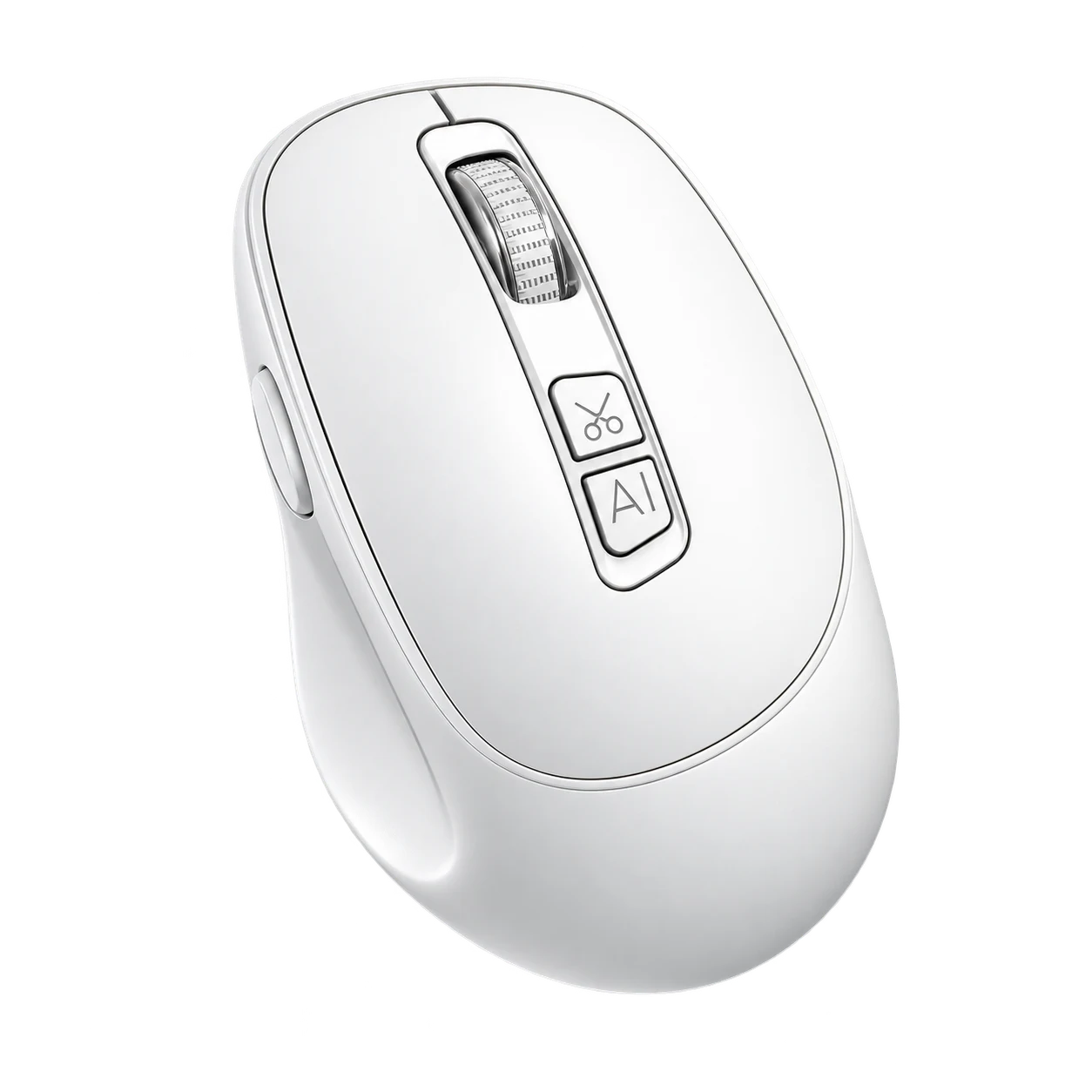
Turn speech into input and buttons into shortcuts. Create your own mouse experience for work tools, AI assistants or branded software.
Voice capture
Say it. Let your app take over.
Receive audio from the mouse and pass it to speech recognition, translation or AI services in your app. Start a task with a few words.
Voice typing
Multilingual conversations
Meeting notes
Button actions
Just a press. Straight to what matters.
Respond to presses, releases and long presses. Assign actions to voice, AI and other buttons, keeping everyday features close at hand.
AI
For example: a button to open your AI assistant
Connectivity, handled.
Discover compatible mice via a USB receiver or Bluetooth, and keep your app informed as devices connect or disconnect.
Know your device.
Show battery level, device identity and sensitivity information in your app, with helpful reminders for users.
More mice. Still distinct.
Connect multiple compatible mice and receive each device’s button events, audio and status separately.
Available buttons and device information depend on the hardware model. The SDK provides connectivity, button events and audio; your application integrates the services for speech recognition, translation and AI.
Start your integration
Turn your idea into an experience.
The tools, guide and examples are ready. Connect a mouse, then create your own experience.
Choose your device
Choose a compatible SoniCloud mouse, or contact us to explore integration with your own hardware.
Connect and try it
Download the SDK for your system and use the guide and examples to try buttons, audio and device connections.
Make it your app
Connect your services and workflows, design the interface and bring the experience to your users.
Choose your platform.
Downloads are available for Windows 10 / 11 (x64) and macOS 11 or later (Apple Silicon).
Contact us for Linux, UOS, Kylin, FangDe and other platform packages.
Use compatible SoniCloud hardware or your own adapted hardware. Installing the SDK alone does not add voice capabilities to an ordinary mouse.
The repository provides SDK packages, documentation and open examples. The full SDK source is not public; commercial use is subject to package terms and your commercial agreement.
Mouse customization and app partnerships
Your brand. Your mouse experience.
Build companion software for branded mice or connect dedicated devices to industry apps. Start with compatible SoniCloud mice, or explore integration for your own hardware with us.